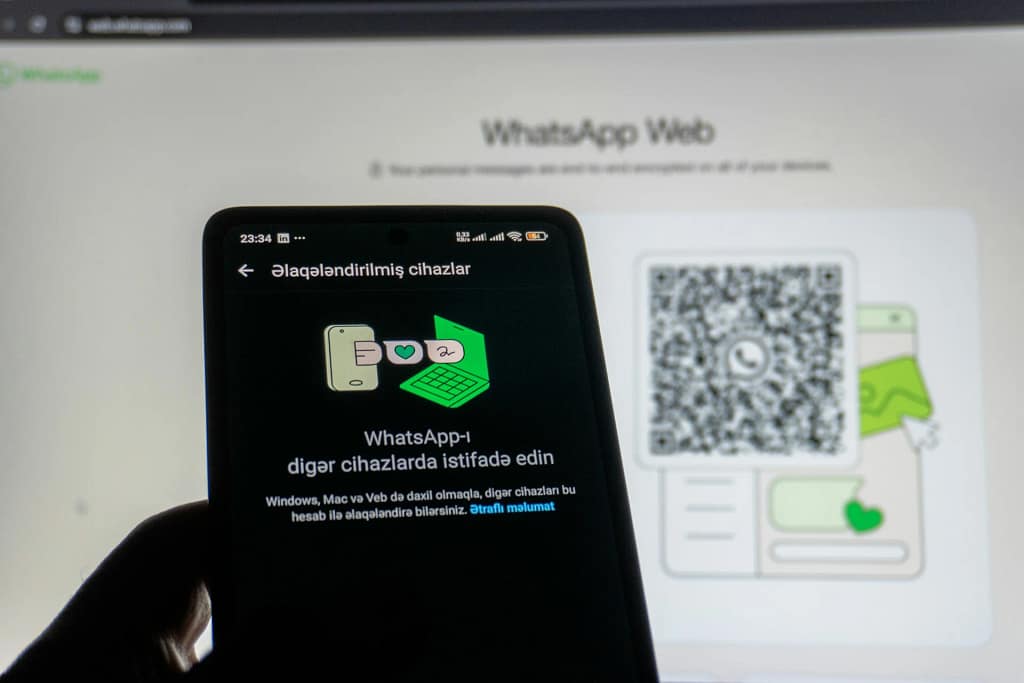
WhatsApp Web’s February 2026 beta rolls out native WhatsApp Web calling (voice and video) directly in browsers, a long-awaited upgrade for desktop users everywhere. This lets you handle real-time conversations without constantly reaching for your smartphone during work or casual chats. Building on prior multi-device features, it ensures smooth performance across platforms for both professionals and everyday communicators. Early tester reports highlight reliable quality on all major browsers from day one, closing a major usability gap.
The Path to Full Browser Independence
WhatsApp Web originally just mirrored mobile text messages, making keyboard typing fast and efficient for long chats or notes. However, it completely lacked voice or video options, so users had to stop desktop tasks like coding, document editing, or data analysis to grab their phones for any call. These interruptions were especially frustrating in remote work environments, where maintaining focus directly impacts productivity and output. While Windows and macOS desktop apps added calling support as far back as 2021, the browser version—critical for Linux users, corporate-locked laptops, or anyone avoiding bulky app installs—stayed behind for years, creating uneven experiences.
Hints of change came through 2025 code leaks that excited developers and early adopters watching closely. The stable beta in early February 2026 finally brought one-on-one voice and video calls to a broader tester pool, with stability as the top priority before full launch. Powered by WebRTC technology, it runs natively on Chrome, Firefox, Safari, and Edge without any plugins or extra downloads required. Cloud-based multi-device syncing now fully supports calls too, keeping sessions alive even if your phone is off or far away, truly making WhatsApp Web a standalone powerhouse.
This update hits home hardest for Linux IT administrators and teams on restricted machines, where official desktop apps often aren’t an option due to policies or compatibility. Adaptive streaming handles everything from fast office fiber optics to unreliable Wi-Fi hotspots reliably, proving WhatsApp’s emphasis on practical, everyday cross-platform use over gimmicks.
Core Features in the Beta Release
Beta testers spot simple “Voice” and “Video” icons in the top-right of any chat header, launching a resizable call overlay ideal for keeping other apps visible during talks. WebRTC drives the real-time audio and video, automatically scaling to high definition on strong connections or lighter modes during bandwidth dips to prevent frustrating drops. Screen sharing adds real value for software demos, document reviews, or quick team walkthroughs—all without opening separate tools like Zoom.
Controls for muting, switching cameras, and adding reactions are integrated so the layout feels natural and doesn’t require a tutorial to start a call. Right now, one-on-one calls are fully live and stable in the beta, while group calling remains under development with plans for up to 32 participants—likely launching first at 8-16 to test browser limits carefully. These features evolve basic chats into versatile video workspaces without any steep learning curve.
Security Foundations and Real-World Applications
End-to-end encryption through the Signal protocol locks down voice, video, and screen shares completely, using peer-to-peer connections whenever possible to reduce server involvement and boost privacy further. This setup complies with rigorous U.S. standards in finance and legal fields, where protecting sensitive data during calls or shares is absolutely non-negotiable for compliance.
Developers can now respond to colleagues inline without breaking their coding flow, resolving issues much faster than before. Financial analysts track live market data on one screen while handling updates on another seamlessly. Linux users finally access everything officially without the clunky workarounds that plagued them for years. Businesses benefit too, using it for fast customer support or huddles to save hundreds in USD monthly compared to paid Zoom subscriptions.
Hybrid remote teams find it perfect for short vendor check-ins or client clarifications, eliminating time wasted switching between messaging apps and video platforms entirely.
The Road Ahead and Beta Participation
Early beta feedback emphasizes the clean, reliable performance even in real-world mixed network conditions. Future updates promise AI noise cancellation for background-heavy environments, customizable virtual backgrounds, and direct calendar syncing for easier scheduling. To get in, open your phone’s WhatsApp app, navigate to Linked Devices > Join the Beta (with slight iOS/Android menu differences), then refresh web.whatsapp.com for server-side activation.
A wider public rollout should follow shortly after more testing confirms broad stability across devices.
Conclusion
WhatsApp Web’s new calling features fill longstanding gaps, enabling full desktop-based communication without phone interruptions. Coders maintain deep focus, teams reduce costs through secure, efficient tools, and everyone enjoys a more fluid experience. This positions WhatsApp solidly against pro options like Zoom, adapting browser messaging to fit today’s distributed work realities perfectly.