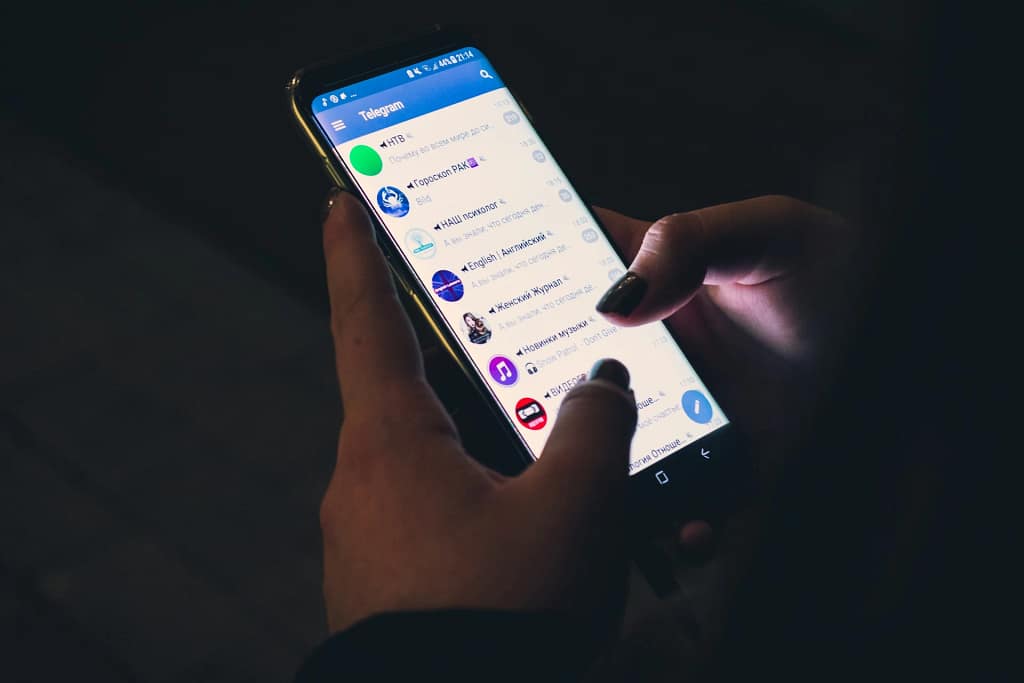
Telegram has rolled out version 12.4.0 for Android, delivering its most significant UI departure to date and finally prioritizing visual sophistication alongside the app’s renowned speed and privacy features. This comprehensive adoption of the “Liquid Glass” design language, first refined on iOS 26 earlier this year, transforms the interface for over 1 billion monthly users, blending translucent elements with intuitive navigation to create a more premium, cross-platform experience. Long-time Android users opening the app today will notice an immediate evolution from the functional, flat design that’s defined Telegram for years, now giving way to layered depth that feels both modern and purposeful.
The timing couldn’t be better, arriving amid Android 16 betas and a broader industry push toward glassmorphism aesthetics. By ditching legacy patterns, Telegram signals confidence in its maturing ecosystem, where channels, bots, and massive file sharing already outpace rivals like WhatsApp. This isn’t superficial polish—it’s a calculated move to boost retention in a competitive field, ensuring Android no longer feels like a secondary citizen to iOS.
Goodbye Hamburger Menu: The New Navigation Logic
The headline change swaps the swipe-out hamburger menu for a persistent four-tab bottom navigation bar, tailored for effortless thumb access on everything from compact Pixels to expansive foldables. Chats anchors as the central hub for messages, groups, and channels; Contacts streamlines address book dives and recent chats; Settings centralizes tweaks in a scannable layout; and Profile manages avatars, status, and pinned items with quick-action buttons. Legacy functions like “New Group” or “New Secret Chat” shift to a three-dot overflow in the Chats tab’s top-right corner, decluttering the experience while preserving one-tap efficiency.
This logic mirrors iOS 26’s structure from January, fostering true platform parity that eases feature synchronization for Telegram’s global dev team. The fixed bar stays glued during scrolls, enabling seamless multitasking—ideal for juggling 50+ group notifications without losing context. On smaller screens, it trims a hair of vertical space, but optimizations for 120 Hz fluidity make interactions feel snappier than ever. Power users adapting from swipe gestures will find haptic-enhanced tab switches a worthy trade-off, turning navigation into an extension of muscle memory.
Mastering Telegram Liquid Glass Gl120 Hz Depth Without Distraction
Liquid Glass shines through layered transparency, frosted blurs, and refractive accents that build hierarchy, letting chats subtly show through panels for a connected feel. Input fields, sticker pickers, and media previews now integrate dynamic effects—light mode reveals underlying content vibrantly, while dark mode opts for subtle matte tones to ease prolonged use. Material You integration pulls system accents for personalization, ensuring the glassy vibe harmonizes with your phone’s theme without overriding it.
Icons get refined rounding and spacing; profile cards float with quick stats; even keyboard framing adopts the aesthetic, elevating mundane tasks like emoji hunts. Beta roots trace to October 2025’s gallery teases, evolving into this polished rollout that sidesteps battery drains via hardware acceleration—Telegram stays lean at under 100MB, even on mid-rangers. It’s a visual upgrade that respects readability, with accessibility overrides for high-contrast needs.
User Reactions: Android Purists vs. Modernists
Predictably, the ‘iOS-ification’ of the app has drawn fire from Android purists—on platforms like Reddit’s r/Android and Telegram channels, long-time users are already mourning the hamburger menu’s swipe simplicity, calling the fixed tabs a screen-space thief on 6.1-inch devices. Critics decry it as another case of platforms converging, diluting Material Design 3’s unique gestures in favor of Apple’s playbook. Yet, enthusiasts counter that the premium cohesion finally matches Telegram’s ambitious feature set, praising thumb ergonomics for daily power use.
Pavel Durov’s channel nods to data-driven evolution, with v12.4.1 patching early tab flickers via A/B insights. iOS adopters, ahead by weeks, skew more positive, hinting Android holdouts will acclimate. This divide underscores 2026’s design tension: aesthetics vs. tradition, where Telegram bets on the former to lure enterprise and Gen Z crowds.
Technical Evolution and Future-Proofing
From 2025’s piecemeal betas—translucent inputs in October, tabs in December—this culminates a deliberate ramp-up, timed for Q1 peaks. It streamlines dev for upcoming gems like AI summaries, Cocoon network decentralization, and P2P video, while beta hints tease glassy widgets and theme editors. Android 16 alignment keeps it cutting-edge, benefiting mini app and bot builders with stable anchors.
Strategically, it counters WhatsApp’s encryption focus and Signal’s audits by amplifying customization—4GB uploads, stories, and transcription are now wrapped in sophistication that sheds the “webby” stigma. Cross-platform savings fuel expansions like blockchain payments or AR, cementing Telegram’s third-pole status.
Practical Tips and Why It Sticks
Grab v12.4.1 now—non-toggleable, but Appearance settings let you dial accents and haptics for comfort. Test on tablets for productivity boosts; sideload cautiously for experiments. This redesign refines without overhauling, streamlining chaos into elegance for work threads or casual pings alike.