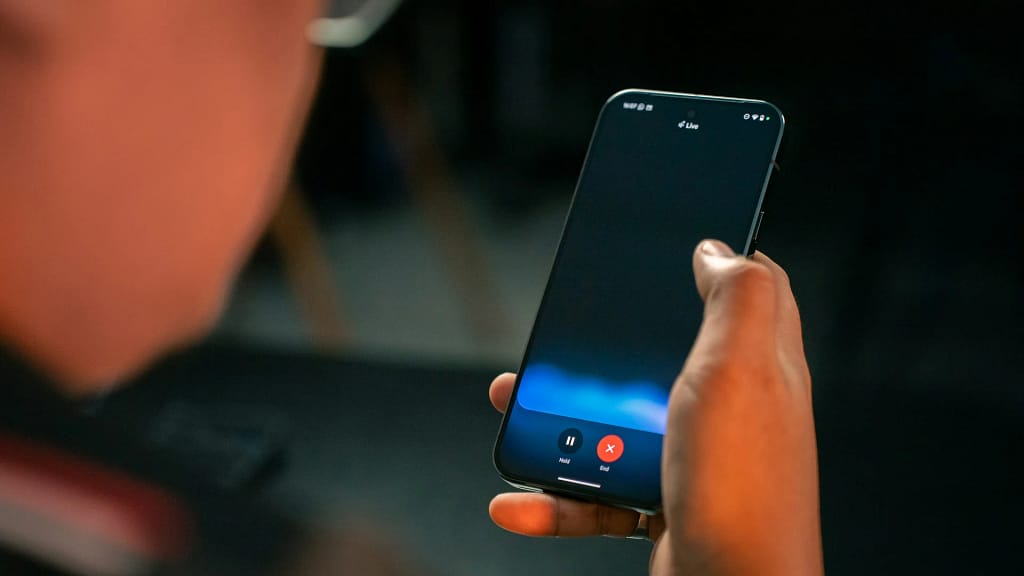
Google continues pushing Gemini beyond simple conversations on Android phones. The new screen automation feature now lets Gemini control other apps to complete real tasks like ordering food or booking rides. For users across the United States, this changes phones from chat devices into actual helpers that manage daily routines with minimal effort.
How the “Bonobo” System Actually Works
Leaked internal documents refer to this capability as “Bonobo.” When you ask Gemini to “book a ride to the airport” or “reorder my DoorDash from last night,” it launches a controlled overlay session on your screen. The AI finds buttons, fills forms, and taps exactly where needed using both visual screen reading and app structure data. You track everything through a notification ticker and can stop the process instantly if needed.
The feature works with select apps like Uber, DoorDash, and Instacart, with more services joining throughout 2026. Pixel 10 users running Android 16 QPR3—the March 2026 feature drop currently rolling out—see a new “Screen automation” permission under “Special app access” settings. This lets Gemini interact with app screens even when they’re not frontmost, turning your phone into a supervised task runner.
Pixel 10 models, released in August 2025, start at $799 USD through major U.S. carriers. The base model offers 12GB RAM, while Pro versions pack 16GB, both essential for running these demanding AI models smoothly on-device.
Smart Navigation Through Apps and Screens
The system blends Android’s app functions framework with computer vision smarts. When DoorDash exposes clear “reorder” paths or Uber marks “schedule ride” options, Gemini follows these reliable routes instead of guessing from screen images alone. Even if apps update their layout slightly, the combination keeps automation working where pure visual systems would fail.
Developers increasingly build agent-friendly apps by following Material Design and exposing action pathways. Services optimizing for Gemini gain an edge as users prefer smooth voice-to-action experiences. Google keeps improving recognition for unusual layouts—like seasonal promotions blocking buttons or regional menu differences—making the system handle real-world messiness better over time.
Security With Human Oversight Required
When AI taps through banking or shopping apps, security can’t be an afterthought. Gemini runs in a locked-down sandbox viewing only current task content, never touching stored passwords or payment tokens. By requiring a physical check at the finish line—fingerprint, face unlock, or PIN—Google shifts the navigation labor to the AI while keeping the final legal and financial say with you.
Beta rules make this crystal clear: you’re responsible for all actions, don’t voice sensitive details, and session screenshots might get human review for improvements (opt out through Activity settings anytime). You override anything instantly, so Gemini stays your assistant, never your replacement.
Tensor G5 Makes It Feel Human
Pixel 10’s Tensor G5 chip—Google’s first 3nm custom design from TSMC—powers the real magic. The beefed-up Neural Processing Unit (NPU) crunches screen analysis, finds tappable spots, plans actions, and checks results all locally. Paired with 120Hz displays and fast touch response, it captures frames quickly enough for smooth movement.
The workflow goes: grab a screen picture, spot buttons and fields, match your request, tap precisely, confirm it worked, and repeat. Because the Tensor G5 processes everything so quickly, on-screen movement looks smooth and natural—almost as if a skilled operator navigates your phone rather than clunky robot clicks.
Where It Delivers Day-to-Day Value
This cuts out jumping between apps just to get simple things done. Parents say, “Restock milk, bread, and eggs from our store,” and watch Gemini check stock, build a cart, and handle checkout while they supervise. Commuters order “DoorDash lunch to the office” during calls. Small business owners schedule “Uber for the 2 PM client pickup” without opening apps.
While an 80% success rate during early trials is promising, the real test will be how the system handles the wild west of unoptimized third-party apps. Most hiccups come from weird layouts or missing app pathways, but as services adapt and Google tunes recognition, reliability climbs steadily. Supervised execution builds trust gradually for bigger tasks ahead.
Android 16 QPR3 Sets the Foundation
Android 16 QPR3—the March 2026 stable rollout—bakes screen automation permissions into the OS core, not as some side experiment. This opens doors for wider rollout across regions, app types, and phones, including recent Galaxy flagships later this year.
Smartphones evolve from chat buddies to action takers. Instead of telling apps what buttons to hit, you describe goals—dinner delivered, a ride scheduled, or groceries restocked—and let the system figure out paths. For Americans living through their phones for work and life, Gemini automation shows devices tackling routine work proactively while you stay in charge.
Tensor G5 power, Android 16 foundations, and developer momentum position Android ahead for practical AI agents through 2026, balancing bold automation with real control.